
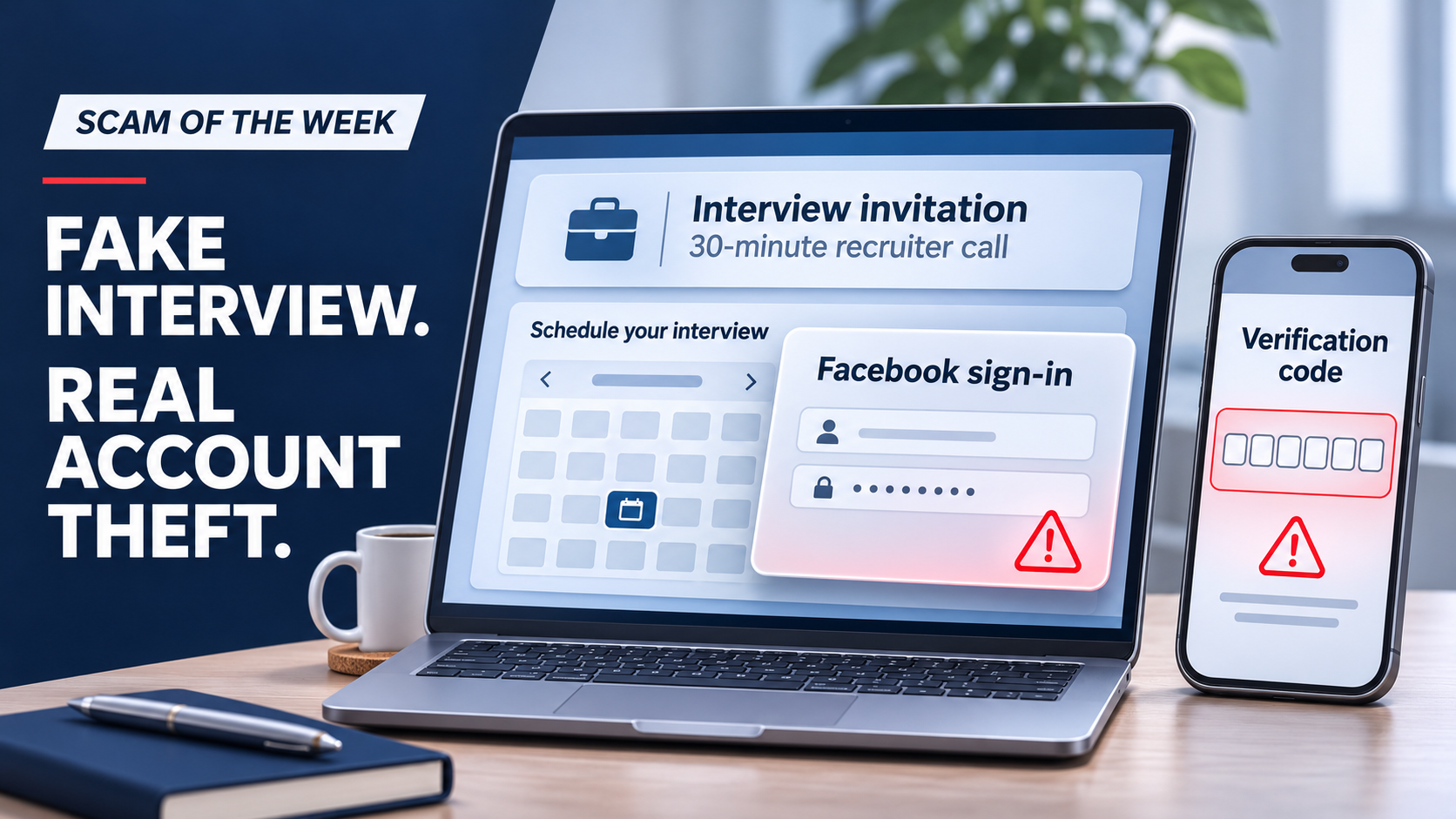
A recruiter’s invitation can feel like good news, especially after weeks of applications. That is what makes this week’s scam convincing. A routine-looking calendar page becomes a way to steal a Facebook account.
My advice: verify the opportunity before following its sign-in instructions. A polished booking process does not establish who is behind it.
How the interview becomes the trap
KnowBe4’s latest warning describes an invitation to a 30-minute call with someone claiming to recruit for Meta. The link leads to a scheduling page where the applicant chooses a time, provides contact details, and completes a CAPTCHA. Then comes a request to sign in to Facebook.
According to the warning, the invitation originates from an unfamiliar recruiting domain, the scheduling page is not affiliated with the company, and the Facebook sign-in page is fake. Information entered there goes to the attackers.
The scam also targets two-factor authentication. After receiving a password, the attackers try signing in to the real account. If Facebook requests a code, the fraudulent page asks the applicant for it too. The attackers can then use the code while it remains valid.
A promise that confirmation will arrive within 90 minutes encourages the applicant to wait while the account takeover happens.
Why this matters to your business
Employees bring personal and professional relationships into the same working day. A convincing job opportunity can catch someone between meetings or while they are checking messages on a work device.
For business owners, the practical lesson is to make verification and reporting easy. People should be able to ask for help with a suspicious message without embarrassment, including after they have clicked.
What I want your team to do
Verify the opportunity independently. Open the company’s official careers website yourself and check the role and recruiter through a trusted channel.
Check where the sign-in is taking you. Familiar branding, a calendar and a CAPTCHA can all appear in a fraudulent process.
Pause at an unexpected account request. Choosing an interview time should not make you stop questioning a request for account credentials.
Protect verification codes. Only enter a code as part of a sign-in you deliberately started through the official service. Do not approve an unexpected sign-in request.
Keep MFA enabled. It remains an important protection. This example shows why the page receiving your code matters too.
If you already entered your details
Do not wait for the promised confirmation. Use Facebook’s official app or type its address into your browser to secure or recover the account. Change the exposed password, review active sessions and account recovery settings, and follow the service’s recovery guidance if you cannot sign in.
If you reused that password elsewhere, change it on those accounts as well. Tell your IT or security team if a work account, work device or company-managed social page may be involved. Share what happened so they can help assess the exposure.
Protecting people starts with giving them clear steps and someone to call. ORAM Cybersecurity Advisors helps businesses build those habits into everyday work.
Scam scenario source: KnowBe4, “Scam of the Week: Booked for a Breach,” received November 5, 2026. Commentary by Ryan O’Ramsay Barrett.
