
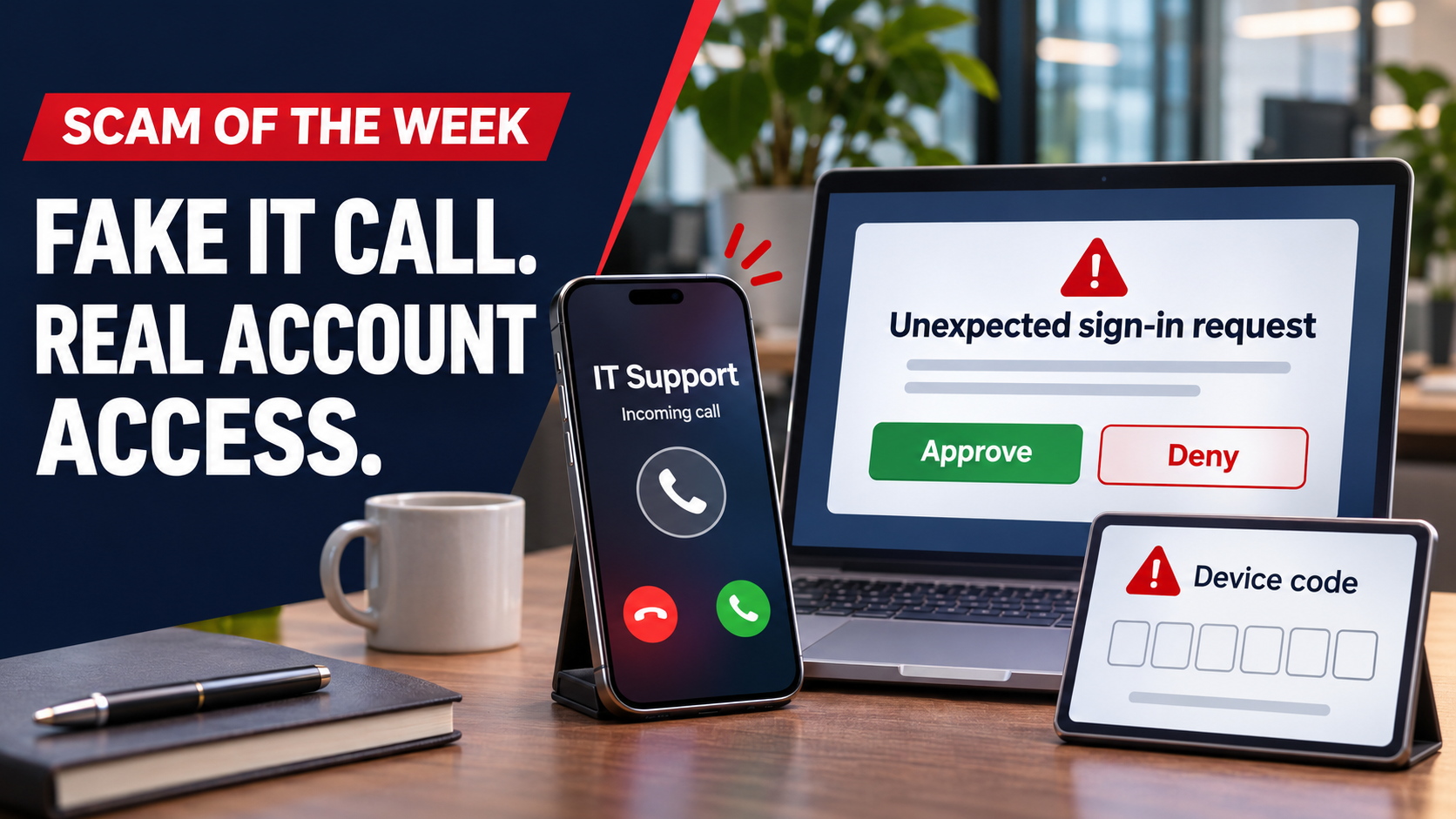
An unexpected call from “IT support” can sound like a small interruption: approve a sign-in request, enter a code, and get back to work. That moment of cooperation is what this week’s scam relies on.
My advice: pause before you approve. An unexpected phone call is a reason to verify the request through your normal support channel.
How the call turns into account access
KnowBe4’s October 29 warning describes voice phishing, or vishing. Someone calls claiming to represent your organization’s IT team. The caller ID may appear to belong to a coworker, and the call may reach your personal phone.
The caller asks for a familiar security step, such as approving an authentication prompt or entering a device code. Depending on the process, that action can authorize the attacker’s access or help them register a device or authentication method.
Microsoft’s analysis of device-code phishing explains how a genuine sign-in page can be part of the trap. Entering a code supplied by an attacker may authorize their session without revealing your password. Before approving anything, confirm that you deliberately started and understand the sign-in.
What to do before you approve anything
End the unexpected call and verify it. “I’ll contact support through our normal channel” is an appropriate response. You do not need to debate the caller or prove that the call is fraudulent.
Use contact information you already trust. Open your established helpdesk portal or call the number in your company directory. Avoid using a callback number or link supplied during the suspicious call.
Deny unexpected authentication requests. Keep MFA enabled, but only approve a request associated with a sign-in you deliberately initiated. A caller’s reassurance does not establish that connection.
Treat device codes as authorization requests. Do not enter a code supplied by an unverified caller. A legitimate-looking page does not establish who will receive access when you complete the process.
Report the attempt. Give your IT team the time of the call, what the caller claimed, and what they asked you to do. Those details can help the team investigate and warn others.
If you already approved or entered a code
Contact your IT or security team immediately through a trusted channel. Explain exactly what you approved or entered and when it happened. You do not have to wait for an account warning or visible damage before asking for help.
Your IT team should follow the account provider’s recovery process, such as Microsoft’s guidance for compromised accounts. The response may include containing account access, revoking sessions, reviewing unfamiliar devices and authentication methods, checking application permissions, and resetting exposed credentials.
A password change alone should not be treated as proof that the account is secure. Some access may require separate removal.
Make verification part of the routine
For business owners, the practical step is to make your support process easy to recognize. Tell employees how IT normally contacts them and where to verify an unexpected request.
At ORAM Cybersecurity Advisors, we want people to feel comfortable pausing, checking, and reporting. Protecting your business starts with giving your team a clear next step when a familiar-looking request feels wrong.
Scam scenario source: KnowBe4, “Scam of the Week: Hold, Please. It's a Phish!”, received October 29, 2026. Commentary by Ryan O’Ramsay Barrett.
